InReach Check-In Schedules for Solo Hunts
Heading out alone into the vastness of Alaska's wilderness for a solo hunt is an unparalleled experience, offering profound solitude and challenge. But let's be real, that solitude comes with a hefty dose of responsibility, especially when it comes to personal safety and staying connected – or at least ensuring someone knows where you are. The biggest fear for many, besides an unexpected bear encounter, is getting into trouble far from help with no way to call for it. That's where a reliable satellite communication device, specifically an InReach, and a carefully thought-out check-in schedule become your lifeline, not just for emergencies, but for peace of mind for both you and your loved ones back home.
The Critical Need for Reliable Communication in Alaska's Backcountry
When you venture into Alaska's remote reaches, whether it's the vast tundra of the Western Arctic or the jagged peaks of the Chugach Mountains, you quickly realize that cell service is a luxury you can't count on. This isn't like hunting in the Lower 48 where a quick drive up a hill might snag you a bar or two. In much of Alaska, there's simply no infrastructure for cellular signals, leaving you utterly disconnected from the outside world. This reality hits home particularly hard for solo hunters, where there's no hunting partner to lean on in an emergency or to simply share the load of decision-making.
Why Solo Hunting Amplifies Risk
Solo hunting in Alaska, while incredibly rewarding, inherently magnifies every potential risk. If you sprain an ankle miles from camp, fall into an icy creek, or have an unexpected encounter with a brown bear, there's no one immediately there to help you. The responsibility for your safety, your decision-making, and your ability to self-rescue falls entirely on your shoulders. This isn't to say solo hunts are reckless; rather, they demand an even higher level of preparedness, self-reliance, and, critically, a robust communication plan that extends beyond just yourself. Your family or emergency contacts back home are your safety net, and a solid check-in schedule with a reliable device is the cord that connects you to them.
Imagine a scenario where you've successfully quartered a bull moose in a remote drainage, but as dusk settles, a grizzly decides it's also interested in your kill site. You're alone, exhausted, and now facing a potentially dangerous situation. Having a way to signal for help, or even just to let your contacts know you're in a tricky spot and might be delayed, is invaluable. Without a proper communication device and plan, a minor setback can quickly escalate into a life-threatening ordeal, leaving your loved ones in agonizing suspense, especially if you miss a pre-arranged check-in.
The Limitations of Traditional Communication
Forget about relying on your smartphone for anything beyond a camera and a pre-downloaded map, because in the vast majority of Alaska's hunting grounds, it's nothing more than a paperweight for communication. Even satellite phones, while offering voice communication, can be bulky, have temperamental connections, and often drain batteries quickly, especially in cold weather. They also require you to make a call, which isn't always feasible or safe depending on the situation. What you really need is something simple, reliable, and capable of two-way text communication and, most importantly, an SOS function.
The beauty of a device like a Garmin InReach is its simplicity and global coverage. It uses the Iridium satellite network, which provides true 100% global coverage, even in the most remote corners of Alaska. This means no matter if you're deep in a canyon, on a windswept ridgeline, or hunkered down in a tent during a blizzard, you generally have a line of communication. It's a fundamental piece of gear, right up there with your rifle, appropriate rain gear, and a first-aid kit. While you're busy scouting potential hunting areas on online platforms like GoHunt, remember that integrating a reliable satellite communicator into your gear list is non-negotiable for anyone venturing into Alaska's backcountry solo.
Understanding Your InReach Device for Alaskan Conditions
Before you even start thinking about check-in schedules, you need to be intimately familiar with your InReach device. It's not just a gadget; it's a potential lifesaver, and knowing its capabilities and limitations is paramount to effective communication in Alaska's challenging environment. These devices are designed to be rugged and reliable, but they still require user understanding and care.
Key Features and How They Work
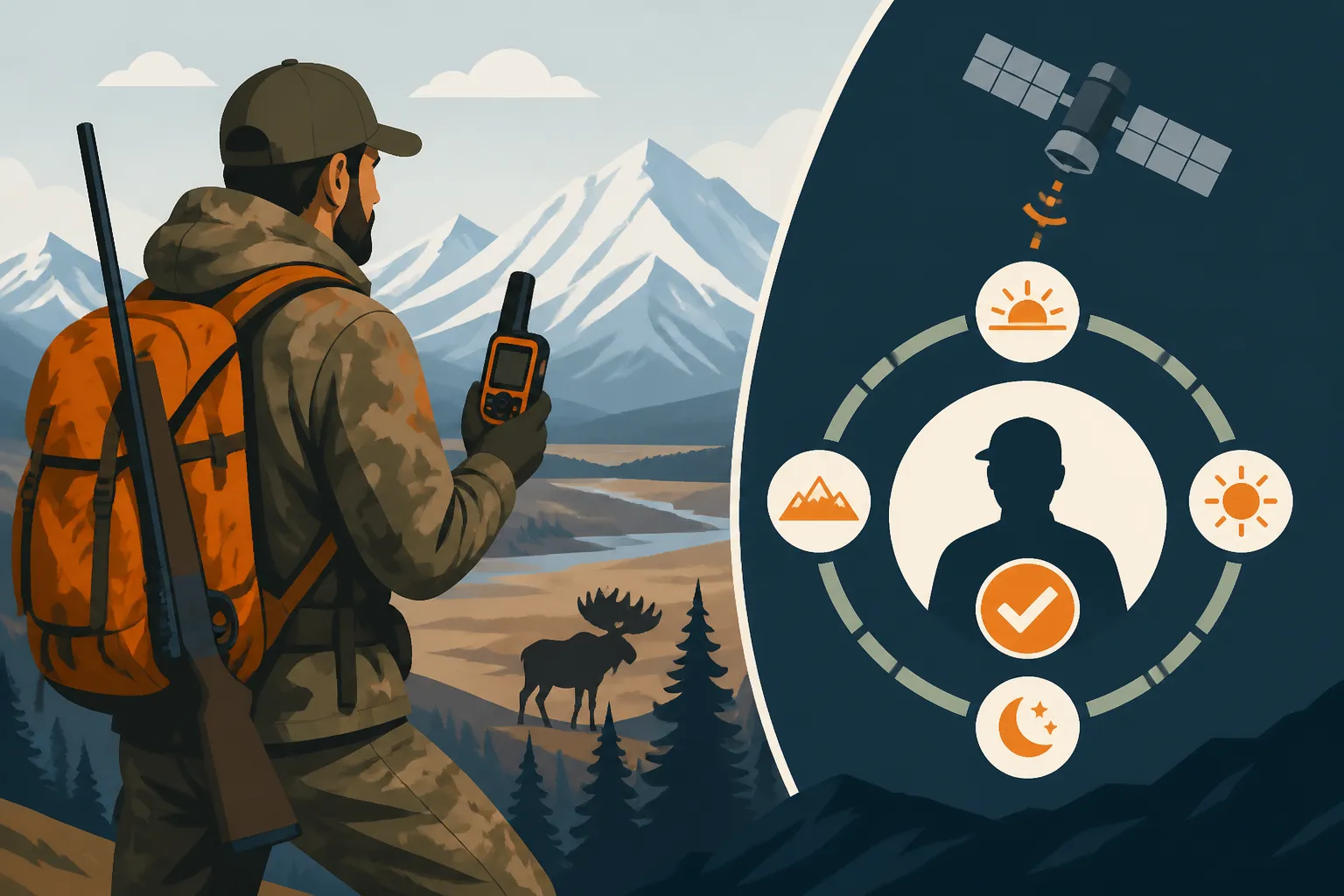
An InReach device, like the Garmin InReach Mini 2, offers several critical features for a solo hunter. First and foremost is the two-way satellite messaging. This allows you to send and receive text messages from anywhere on Earth, as long as you have a clear view of the sky for satellite connection. This is infinitely more practical than a one-way SPOT device for solo hunters, as you can confirm receipt of your messages and get responses. You can communicate directly with your emergency contacts, letting them know your status, location, or even coordinate logistical changes. For instance, if you're trying to communicate with your air taxi pilot about a delay or an early pickup, the two-way messaging is critical. This is far more robust than relying on vague "Signal Devices and Check-In Plans for Solo Alaska Hunts" without a two-way confirmation.
Another vital feature is GPS tracking. Your InReach can be set to send your location at predetermined intervals, creating a breadcrumb trail that your contacts can follow online. This provides an extra layer of safety, allowing people to see your progress and general whereabouts, even if you're not actively sending messages. If you miss a check-in, this tracking data becomes incredibly important for search and rescue efforts, giving them a much smaller area to focus on. Beyond that, the device features a dedicated SOS button. This isn't just a text message; it's a direct signal to the Garmin International Emergency Response Coordination Center (IERCC), a 24/7 professional monitoring center. They will then contact your emergency contacts and coordinate with local search and rescue authorities, whether it's an Alaska State Trooper or an appropriate volunteer SAR team.
Battery Life and Cold Weather Performance
Alaska's environment is brutal on electronics, and battery life is a constant concern, especially in cold weather. The cold can drastically reduce the efficiency of lithium-ion batteries found in most InReach devices. What might last for ten days at room temperature could be cut in half, or even more, if it's consistently exposed to sub-freezing temperatures. This means careful power management is essential. Always start with a fully charged device and carry multiple external power banks. I personally carry two fully charged 20,000 mAh power banks for a 10-day trip, plus a small solar panel for supplemental charging if conditions allow.
To maximize your battery life:
- Keep it warm: Store your InReach in an interior pocket close to your body when not in use. This protects it from the worst of the cold.
- Optimize tracking intervals: While constant tracking sounds good, it's a battery hog. Set tracking intervals to a reasonable time, like every 30 minutes or even every hour, rather than every 10 minutes. This is a compromise between real-time updates and power conservation.
- Backlight management: Keep the backlight low and minimize screen time.
- Disable unnecessary features: Turn off Bluetooth or other connectivity features if you're not actively using them.
Understanding these aspects of your device’s battery life is as important as managing your GPS Battery Life in Cold Camps for navigation. Both require diligence to ensure they're available when you need them most. Before your hunt, fully charge everything, test your charging cables, and make sure your power banks are in good working order.
Crafting an Effective InReach Check-In Schedule
The power of an InReach isn't just in the device itself, but in the disciplined communication plan you establish around it. A check-in schedule isn't just about sending "I'm OK" messages; it's a structured system designed to alert your contacts if something has gone wrong, triggering a response when you can't. This plan needs to be shared with trusted individuals who understand their role and responsibilities.
Establishing Clear Communication Protocols with Your Contacts
Before you even step foot in the bush, you need to designate a primary and secondary emergency contact person. These individuals must be reliable, understand the seriousness of their role, and be available for the duration of your hunt. Sit down with them and thoroughly explain your plan. Don't just email them a document; have a conversation. Make sure they know how to access the online tracking map for your device and understand what each message means. Your message protocol should be simple and unambiguous. For example:
- "OK" means everything is fine, on schedule.
- "DELAY" means you're safe but behind schedule (e.g., weather hold, difficult terrain).
- "ASSIST" means you need non-emergency help (e.g., gear malfunction, minor injury, no immediate danger).
- The SOS button is reserved for life-threatening emergencies only.
Crucially, define the exact steps they should take if you miss a check-in. This should be part of the comprehensive Leaving a Trip Plan With a Contact document you prepare. For example, if you miss your scheduled 6 PM check-in, the primary contact should wait X hours (e.g., 2-4 hours) before attempting to send you a message. If still no response after another Y hours, they should then contact the secondary person, and if no contact is made by Z time, they initiate calling the Alaska State Troopers or Search and Rescue, providing all your trip plan details, including your last known location from the InReach tracking. This removes guesswork and emotional decisions from a potentially stressful situation for your contacts.
Factors to Consider When Setting Your Schedule
There's no one-size-fits-all check-in schedule for every Alaska hunt, but several factors should guide your decision-making. The goal is to strike a balance between providing timely updates and conserving battery life, all while considering the realities of remote hunting.
- Trip Length and Remoteness: Shorter trips closer to roads might allow for more frequent check-ins. Longer, deep-wilderness trips require more conservative battery use, so check-ins might be less frequent.
- Activity Level and Terrain: Are you in a base camp with occasional day hunts, or are you on a strenuous Backpack Hunting in Alaska: Gear Weight and Meat Loads trip, constantly on the move? Moving through dense brush or steep alpine terrain can impact message transmission times, so factor in extra time around scheduled check-ins. If you're on a float hunt down a river, signal strength might vary more frequently.
- Weather Conditions: Bad weather, like heavy cloud cover or blizzards, can sometimes delay satellite connections. Be realistic about your ability to reliably send messages in adverse conditions.
- Mental State: Don't underestimate the mental fatigue of a solo hunt. You might be physically exhausted and less inclined to send a message at an exact time. Build in a buffer.
- Purpose of the Check-In: Is it just an "I'm alive" message, or are you also providing a brief update on location or progress? More detailed messages take longer to compose and transmit.
A common schedule might be once in the morning (e.g., 9 AM) and once in the evening (e.g., 6 PM). For very remote or long hunts, it could be once a day, or even every 36-48 hours, but the longer the interval, the greater the risk in case of an emergency. Consider having a "pre-departure" check-in right before you leave cell service or land in your remote camp, and a "post-return" check-in as soon as you hit a road system or cell service.
Here's a sample daily check-in schedule structure:
| Time | Message Type | Content | Action If Missed (Contact) |
|---|---|---|---|
| Morning | "OK Check-In" | "Good morning. All well. Moving to General Area." | Wait 2 hours, then message device. |
| Evening | "End of Day OK" | "Camp set at General Location. All good." | Wait 4 hours, then message device. |
| SOS Button | Emergency | Sent automatically by device to IERCC. | Immediately call Alaska State Troopers/SAR. |
| Tracking | Passive | Automatically updates every 30-60 min. | Review for last known movement. |
What to Do When a Check-In is Missed
This is where the rubber meets the road. A missed check-in should never be ignored. As the hunter, if you realize you've missed your window, send a message as soon as possible, even if it's just "DELAYED OK, will send details later." Don't assume your contacts will know you're fine. They are operating under your pre-set instructions, and those instructions should lead to action if you don't communicate.
Your emergency contacts must follow the agreed-upon protocol. The worst thing they can do is panic immediately or, conversely, wait too long. A well-defined waiting period (e.g., 2-4 hours past the scheduled time) allows for minor delays, but beyond that, escalating steps must be taken. This might involve attempting to message your device, then calling your secondary contact, and ultimately, notifying authorities if no contact is made after a specific, predetermined time frame. Remember, while a missed check-in can be a false alarm, it's also the primary trigger for initiating a search, and every minute counts in a remote Alaska emergency. Don't be afraid to communicate simple delays, as this prevents unnecessary anxiety and potentially expensive search and rescue efforts. Effective communication is key, even when you're communicating with a pilot who is facilitating a Fly-In Hunting: Working With an Alaska Transporter Pilot.
Integrating InReach into Your Overall Safety Plan
An InReach device and its schedule are powerful tools, but they are just one piece of a much larger safety puzzle. They augment, rather than replace, other crucial aspects of backcountry preparedness. A truly safe solo hunt in Alaska means thinking holistically about every potential contingency.
Beyond Check-Ins: Emergency SOS and Tracking
While check-ins are for routine communication, the SOS feature is your ultimate safety net. It's designed for dire, life-threatening situations where immediate outside help is absolutely essential. Understanding when and how to use it is critical. It's not for a broken tent pole or running low on coffee; it's for a severe injury, a truly unmanageable situation with dangerous wildlife, or being hopelessly lost with no ability to self-rescue. If you find yourself in a scenario like needing to perform Bear Safety While Butchering a Kill in Alaska and a bear won't leave, an SOS might be warranted if your life is in immediate danger.
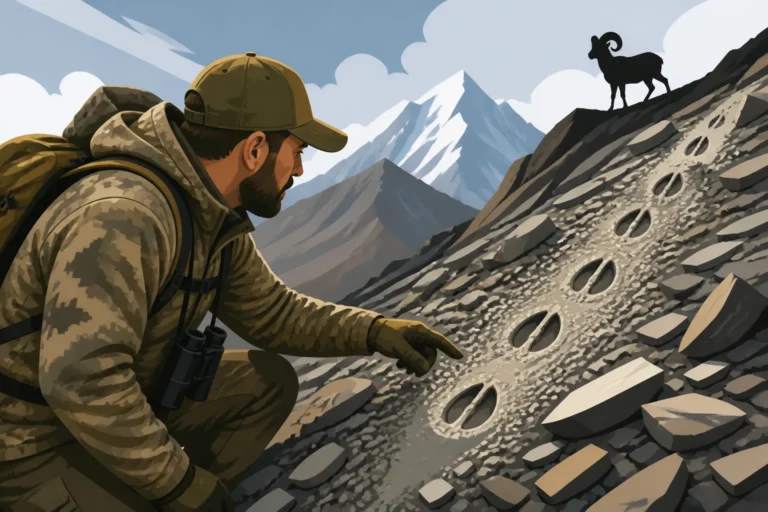
The tracking feature also serves a purpose beyond simply showing your progress. If you become incapacitated or cannot send an SOS, your last transmitted track points will give search and rescue a starting point. This is especially useful in scenarios where you're moving through complex terrain, such as a sheep hunter navigating steep scree fields. While you are probably using a handheld GPS for Alpine Navigation Without Cell Service, the InReach tracking provides a remote, passive trail that can be invaluable for others. Ensure your tracking interval is set appropriately to provide enough detail without completely draining your battery.
Practice and Preparation are Key
Owning an InReach isn't enough; you need to know how to use it proficiently under stress and in adverse conditions. Before your hunt, take the time to:
- Send test messages: Familiarize yourself with the interface, sending messages to your contacts and confirming they receive them. Test the character limit and ease of typing.
- Practice with cold hands: Try sending a message while wearing your hunting gloves, or with numb fingers. This simulates real-world conditions.
- Simulate an SOS: Most InReach devices have a test mode for the SOS function, which sends a non-emergency signal to Garmin's IERCC to confirm your device is working. Do this well in advance.
- Update firmware: Ensure your device's software is up to date for optimal performance and bug fixes.
- Know your map: Even with an InReach, you should always have physical maps and a compass, and know how to use them. Technology can fail. Don't solely rely on digital maps or your device's built-in map. Make sure you've also completed the critical step of Downloading Offline Maps Before a Fly-In.
A solid check-in schedule for your InReach is a fundamental part of a responsible solo hunt in Alaska. It’s about more than just safety; it’s about respect for the vastness of the wilderness, for the unpredictable nature of the hunt, and for the peace of mind of those who care about you. Take it seriously, practice your routine, and make it an integral part of your Alaska hunting adventures.
Disclaimer
The information provided in this guide is for general informational purposes only and does not constitute professional advice. Hunting in Alaska's backcountry carries inherent risks, and conditions can change rapidly. Always consult the official Alaska Department of Fish and Game regulations, prioritize your safety, and be thoroughly prepared for any emergency.