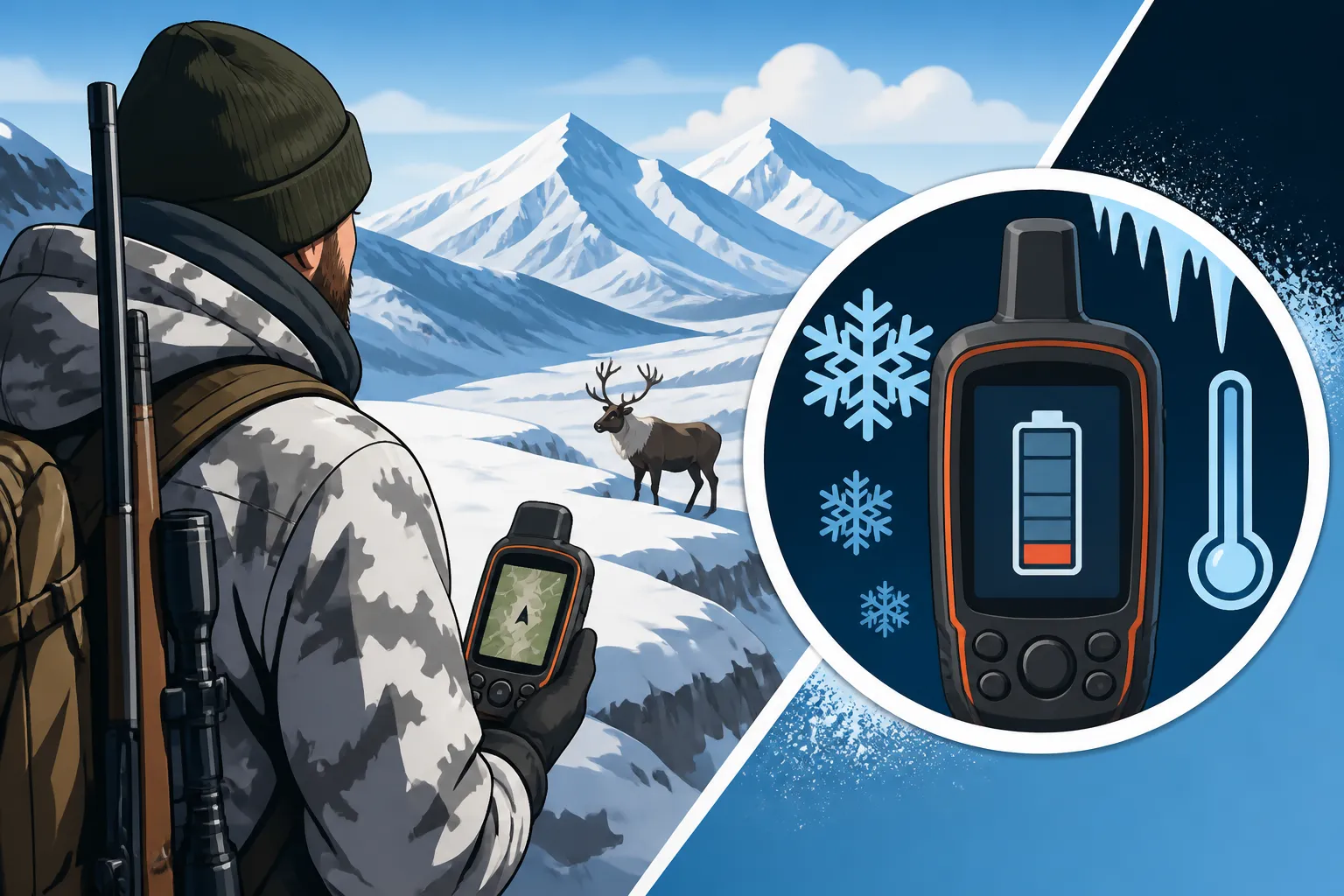
GPS Battery Life in Cold Camps
There are few things more disheartening, or frankly, more dangerous, than reaching for your GPS unit or smartphone in a remote Alaska hunting camp, only to see the screen flicker and die. The biting cold of the Last Frontier is an absolute killer for electronic device batteries, transforming what felt like a full charge at home into a digital ghost mere hours later. This guide is all about tackling that frustrating reality head-on, giving you the real-world strategies to keep your navigation and communication tools alive when it matters most.
The Harsh Reality of Cold Weather and Batteries
Hunting in Alaska means facing conditions that most electronics aren't designed for. We're often out there when temperatures are well below freezing, and our gear, including our vital GPS units and phones, bears the brunt of that chill. It's not just an inconvenience; a dead battery can put you in a serious bind, especially when you're miles from the nearest road and dependent on your device for crucial navigation.
The fundamental issue lies in how batteries generate power. They rely on chemical reactions, and like most chemical processes, these reactions slow down significantly when temperatures drop. This slowing reduces the battery's ability to discharge current efficiently, leading to a phenomenon known as "cold-weather capacity loss." What this means for us in practical terms is that a battery that might last 12 hours at room temperature could only give you 4-6 hours, or even less, once it’s truly chilled.
It's a frustrating dance, isn't it? You charge everything up, feeling confident, only to have your phone or handheld GPS give up the ghost after a few hours of exposure. This isn't necessarily a faulty battery or device; it's just the cruel physics of battery chemistry interacting with extreme cold. Understanding this is the first step toward mitigating the problem and keeping your essential electronics functioning in the field.
Understanding Battery Chemistry in the Cold
Not all batteries are created equal when it comes to cold weather performance, though none are truly immune to its effects. The most common types we encounter in hunting electronics are lithium-ion (found in most smartphones, rechargeable GPS units, and power banks), alkaline (common in many older or simpler handheld GPS devices, headlamps), and NiMH (rechargeable AAs/AAAs often used as replacements for alkalines).
Lithium-ion batteries, while generally offering excellent energy density and rechargeability, still suffer from cold. Their internal resistance increases dramatically at low temperatures, making it harder for the battery to deliver power. This often manifests as a sudden, dramatic drop in reported charge, even if the battery isn't truly depleted. It's like the battery has plenty of gas in the tank, but the fuel lines are frozen solid. Alkaline batteries, on the other hand, perform even worse, with their electrolyte becoming sluggish and vastly reducing their voltage output in the cold. NiMH batteries offer a slight improvement over alkalines in colder temps but are still far from ideal, and they have a notorious self-discharge rate which is exacerbated by the cold if they aren't used quickly after charging. For anyone using an app like GoHunt on their phone, which almost exclusively uses a lithium-ion battery, managing this cold-weather capacity loss is paramount.
The takeaway here is that no matter what kind of battery powers your device, the cold will steal its efficiency. This means planning for a much shorter operational life in freezing conditions than you might expect based on manufacturer specifications or warm-weather experience. Always assume your battery capacity is significantly reduced in an Alaska winter or even a chilly fall hunt, and plan your power strategy accordingly.
The Impact of Sudden Temperature Changes
One of the most insidious ways cold weather impacts your batteries is through rapid temperature fluctuations. Imagine you've got your handheld GPS tucked inside your sleeping bag all night, keeping it nice and toasty. You wake up, grab it, and step out into a crisp 10-degree Fahrenheit morning to start your hunt. That sudden transition from warmth to extreme cold can shock the battery, causing an immediate and noticeable drop in performance.
This rapid cooling can condense moisture inside the device (though modern devices are often sealed better), but more critically, it stresses the battery's internal components. The chemical reactions that were happily chugging along in the warmth suddenly seize up. You might see a battery indicator go from 80% to 20% in a matter of minutes, or the device might simply shut down as its internal voltage drops below the operational threshold. It's a prime example of why careful management, rather than just raw capacity, is so important.
To minimize this effect, try to keep your critical navigation devices at a more consistent temperature, even if that consistent temperature is cooler than ideal. Gradually acclimating a device to colder air, or better yet, protecting it from those sudden drastic changes, can help squeeze a bit more life out of it. This might mean keeping it in an inner pocket during a break, rather than pulling it directly from a warm tent to the frigid air for extended periods.
Strategies for Maximizing GPS Battery Life in the Field
When you're far off the grid, perhaps on a float hunt or a remote backpack trip for sheep, every single percentage point of battery life counts. We can't change the laws of physics, but we can certainly stack the odds in our favor to keep our GPS and other electronics alive longer. It's all about proactive management and making smart choices both before and during your hunt.
The key to success isn't just carrying more batteries; it's about making the batteries you have work more efficiently and preserving power whenever possible. From how you carry your device to how you interact with its settings, every little decision can add up to precious extra hours of operation, which could mean the difference between a simple walk back to camp and a serious navigation challenge.
Whether you're confirming your location after Marking a Kill Site Before Dark or just checking your progress on a long ridge walk, reliable power is non-negotiable. Let's dive into some practical, field-tested strategies that Alaska hunters swear by to beat the battery drain.
Keeping Your Device Warm
This is perhaps the single most effective strategy for preserving battery life in cold weather. Heat is a battery's friend, and preventing your device from getting thoroughly chilled will drastically improve its performance.
One common tactic is to keep your GPS unit or smartphone in an inner pocket of your jacket, close to your body. Your body heat will provide enough warmth to keep the battery operating much more efficiently. During periods of inactivity, like overnight in a spike camp, tucking your device into the foot of your sleeping bag or a warm, insulated dry bag will shield it from ambient temperatures. Some hunters even create small, insulated pouches specifically for their electronics, using materials like closed-cell foam or even a simple wool sock inside a stuff sack. Even if you're meticulously Downloading Offline Maps Before a Fly-In and rely on your phone for navigation with apps like GoHunt, keeping that phone warm is far more important than just having the maps loaded.
Remember, a battery that is cold when you start using it will deplete much faster than one that has been kept warm. Think of it like keeping your engine block warm in sub-zero temperatures; it just runs better. Small hand warmers, those disposable chemical packets, can also be tucked into a pocket alongside your device, offering an extra boost of warmth, but be cautious not to overheat sensitive electronics. The goal is consistent warmth, not excessive heat.
Power Management Settings and Practices
Beyond keeping your device warm, actively managing its settings and usage habits will significantly extend battery life. Every feature that draws power, from screen brightness to background apps, contributes to the drain.
Start by optimizing your screen settings. Reduce screen brightness to the lowest comfortable level and set the backlight timer to the shortest possible duration. Do you really need the screen on for 30 seconds after every button press? For many devices, 5-10 seconds is plenty. If your GPS has a "battery saver" or "low power" mode, enable it. Turn off unnecessary functions like Bluetooth, Wi-Fi, and cellular data if you don't need them for navigation (which, let's be honest, you often won't in remote Alaska; see Alpine Navigation Without Cell Service). Even if you're using a powerful mapping app like GoHunt, you can often pre-download maps and operate in airplane mode, saving a huge amount of power.
Consider how often you're actually checking your GPS. Resist the urge to constantly pull it out and check your location. Make a habit of checking your position, confirming your route, and then putting it away. For longer periods, or when you're confident in your direction, turn the device off completely. Modern GPS units boot up quickly enough that turning them off and on periodically is far more efficient than letting them idle with the screen off for hours. It’s a simple discipline that pays huge dividends, especially if you're going to be out for an extended time where InReach Check-In Schedules for Solo Hunts are your only lifeline.
External Power Solutions and Backups
Even with diligent management, you'll eventually need to replenish power. This is where external power solutions become critical. Packing multiple options for recharging or replacing batteries is a cornerstone of any sensible Alaska hunt.
Portable power banks, often called "juice boxes," are fantastic. Look for models with high milliamp-hour (mAh) ratings and ensure they are designed to perform well in cold conditions. Many modern power banks have robust casings and offer stable output even when chilly. Crucially, keep the power bank itself warm when not in use. Charging a cold device with a cold power bank is a recipe for inefficiency. Wrap both the power bank and the device being charged in a coat or sleeping bag to maximize transfer efficiency. Charging for a few hours inside a warm tent during a dinner break can make a massive difference. Brands like Goal Zero and Anker offer reliable power banks.
For devices that use standard AA or AAA batteries, always carry a fresh supply of lithium primary (non-rechargeable) batteries. These offer superior cold-weather performance compared to alkaline options and maintain voltage more consistently. While more expensive, their reliability in frigid temperatures is often worth the investment. Solar chargers can be an option, but in Alaska, especially during shoulder seasons or cloudy periods, their effectiveness can be limited. The short days and low sun angle, even when Scouting a Unit From Satellite Imagery Before You Fly to a sunny location, often mean you won't get enough juice to be truly self-sufficient. Consider them a supplemental option, not a primary one. When considering your overall Backpack Hunting in Alaska: Gear Weight and Meat Loads, don't skimp on spare batteries or a robust power bank, as they are crucial safety items.
Here's a quick comparison of battery types for cold weather:
| Battery Type | Cold Weather Performance | Pros | Cons | Best Use Case |
|---|---|---|---|---|
| Lithium-Ion | Good (if kept warm) | High energy density, rechargeable | Performance drops significantly when cold, can be fragile | Smartphones, modern GPS units, power banks |
| Lithium Primary | Excellent | Best cold performance, lightweight | Non-rechargeable, more expensive | Backup for AA/AAA devices, essential for extreme cold |
| NiMH (Rechargeable) | Fair-Good | Rechargeable, better than alkaline | Significant self-discharge in cold, lower voltage than lithium | Less critical devices (headlamps, camp lights) if managed well |
| Alkaline | Poor | Widely available, inexpensive | Very poor cold performance, quickly loses voltage | Avoid for critical navigation in cold; suitable for emergencies |
Preparing for the Worst: Redundancy and Offline Navigation
Even with the best battery management, technology can fail. That's why redundancy and preparation for operating without electronic aids are not just good ideas—they're essential survival skills in Alaska. Relying solely on a GPS unit or a smartphone for navigation in remote areas is a gamble you should never take.
Having backup systems in place provides a safety net when your primary electronics inevitably falter. This isn't about being pessimistic; it's about being realistic and respecting the unforgiving nature of the Alaska wilderness. When your GPS screen goes dark, you shouldn't be left scrambling. You should have a well-rehearsed plan B, C, and even D.
This section emphasizes the importance of traditional navigation, diligent digital prep, and robust communication plans, ensuring that even if your batteries give out, you can still find your way home and let others know you're safe.
The Importance of Physical Maps and Compass
This cannot be stressed enough: a physical map and a reliable compass are your ultimate backup. They require no batteries, are unaffected by temperature extremes, and, with practice, are incredibly precise. Before every hunt, study your topo maps. Understand the terrain, identify key landmarks, and plan your routes. Don't just glance at them; truly internalize the lay of the land.
Practice using your compass with your map. Know how to take a bearing, follow a line of travel, and orient yourself without needing a glowing screen. When you're dealing with Compass Bearings When Fog Shuts Down Glassing or your GPS is dead, these traditional tools become your lifeline. Laminate your maps or keep them in a waterproof map case. Mark your camp location, likely game corridors, and escape routes. Even if you're a whiz with a GPS, the cognitive exercise of reading a paper map helps you build a mental picture of the terrain that can be invaluable when things go sideways.
Always carry at least one physical map of your hunting area and a quality compass. These should be considered as critical as your rifle or rain gear. They don't weigh much, and their reliability is absolute.
Downloading Offline Maps and Waypoints
For those who rely on smartphones or advanced GPS units (like Garmin inReach devices, which have mapping capabilities), downloading offline maps and critical waypoints before you leave home is non-negotiable. Cellular service is virtually non-existent in most of Alaska's prime hunting areas, rendering streaming maps useless.
Apps like GoHunt or Gaia GPS allow you to download detailed topographic maps, satellite imagery, and even hunting unit boundaries directly to your device. Do this well in advance of your trip. Don't assume you'll have Wi-Fi at a bush plane drop-off point. Once downloaded, these maps are stored locally and accessible without any network connection. Furthermore, meticulously mark and save all crucial waypoints: your camp location, water sources, natural landmarks, known game trails, and potential pickup points. Many hunters even mark Marking Glassing Knobs Before You Leave Town from satellite imagery.
Ensure these waypoints are easily identifiable and that you understand how to navigate to them even if your mapping interface is reduced due to low power. This preparation is a critical step in Downloading Offline Maps Before a Fly-In and ensures that your device, even with limited battery, still holds all the essential navigational data.
Communication and Check-In Plans
While not directly related to GPS battery life, having a robust communication plan is vital when navigating remote Alaska, especially if your navigation tools fail. This often means carrying satellite communication devices like an InReach or a satellite phone.
These devices have their own battery considerations, of course, but their primary purpose is to allow you to send and receive messages or trigger an SOS, independent of cell service. Establishing clear Signal Devices and Check-In Plans for Solo Alaska Hunts with a trusted contact back home is paramount. Let them know your planned route, expected check-in times, and your return date. If you're delayed or encounter trouble, they'll know when to initiate a search.
Remember to practice using these devices before your hunt, understand their battery life, and carry spare power for them as well. Whether you're sending a quick "all well" message via an InReach or updating your itinerary, consistent communication gives both you and your loved ones peace of mind. Familiarize yourself with your InReach Check-In Schedules for Solo Hunts and stick to them.
Disclaimer
Hunting in Alaska involves inherent risks, including those associated with extreme weather, challenging terrain, and wildlife encounters. The information provided in this guide is for informational purposes only and is not a substitute for professional guiding, extensive wilderness experience, or formal safety training. Always prioritize safety, carry appropriate gear, and understand all applicable hunting regulations.